Virtual Receptionist Service: How It Works and What to Choose
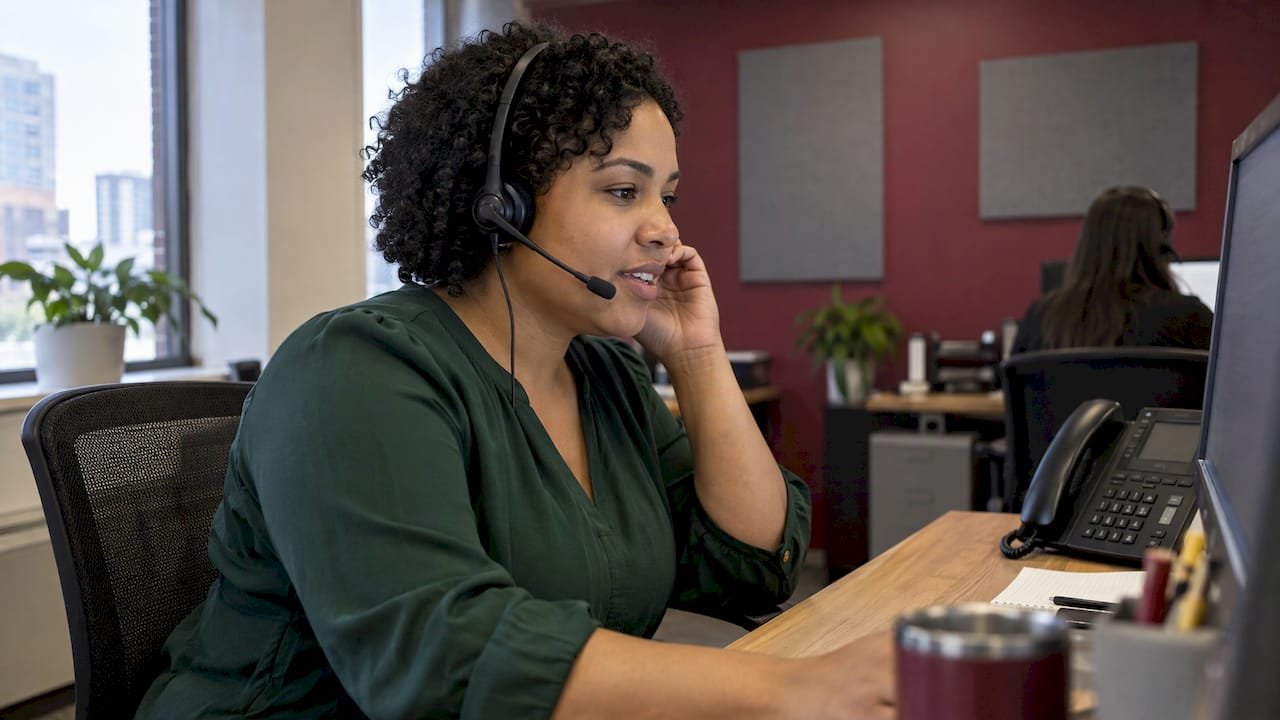
A virtual receptionist service answers your business calls remotely, greets callers, takes messages, books appointments and sends urgent calls to the right person. For a Canadian small business that loses calls while the team is on a job, with a patient or after hours, an AI receptionist paired with missed-call text-back is the most direct fix. Every call gets a response, and every caller lands in one place where you can follow up. That is what our AI receptionist and missed-call text-back service is built to do for trades, clinics and local service businesses.
TL;DR
- A virtual receptionist is a remote front desk: human, AI or a mix that answers calls on your behalf, per your instructions.
- The real question is not “which brand” but how many calls you miss and what each one is worth. Count the last 30 days.
- AI handles routine, repeatable calls (booking, hours, service area, quote requests) at any hour, which suits most trades and local service businesses.
- Setup is mostly gathering your information: services, FAQs, policies and escalation rules.
- Callers give personal information, so Canadian privacy law (PIPEDA) applies to how you collect and store it.
Table of Contents
- What a virtual receptionist service actually does
- Live, AI or hybrid: which type of virtual receptionist fits
- Do you need one? Count your missed calls first
- The features worth paying for
- How setup works
- What it costs, and what to check on the contract
- Privacy and reliability for Canadian businesses
- Why one team beats stitching tools together
- Get a receptionist that works with your marketing
- How to choose in five steps
- FAQ
- Sources
What a virtual receptionist service actually does
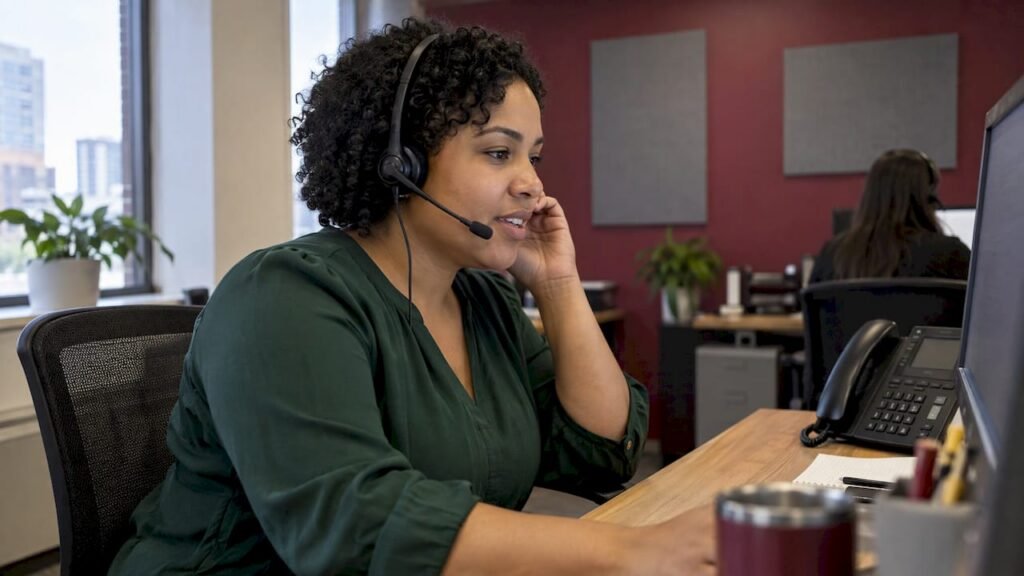
Think of it as the person at the front desk, without the desk. Calls to your business number are forwarded or routed to the service, which answers in your business name, finds out what the caller needs and acts on your rules.
Typical jobs include:
- Answering and greeting callers in your business name.
- Answering common questions: hours, service area, what you charge for a call-out, whether you take new patients.
- Booking appointments or quote visits.
- Taking a message with the caller’s name, number and reason for calling.
- Screening leads, so you know which calls are real jobs.
- Routing urgent calls to your cell or to a named person.
- Sending you the details by text or email.
The difference between a basic answering service and a virtual receptionist is depth. An answering service takes a message. A receptionist handles scheduling, intake and follow-up as well. That depth is where the value sits for a small business, because a message alone still leaves you to chase the customer.
Live, AI or hybrid: which type of virtual receptionist fits
There are three kinds of service.
Live human receptionists are remote staff who answer calls in real time. They bring judgment to complicated, emotional or unusual conversations.
AI receptionists are software that answers every call instantly, around the clock, with consistent wording. They are strongest on structured, repeatable calls: intake, FAQs and calendar booking. Cost is usually lower, and there is no queue when three calls arrive at once.
Hybrid setups use AI for the routine majority and pass the unusual calls to a person, which in a small business is often you or your office manager.
Here is how they compare on the things owners ask about.
| Criterion | Live human service | AI receptionist with text-back |
|---|---|---|
| Answers at 2 a.m. and on weekends | Only with night staffing | Yes, every call |
| Two calls at once | Depends on staffing | Every caller is answered |
| Same answer every time | Varies by agent | Consistent, follows your script |
| Books into your calendar | Often by message | Designed for automatic booking |
| Best for | Sensitive, complex conversations | Routine, high-volume calls and missed calls |
For most trades, home services, clinics’ booking lines and local retailers, the calls are predictable: “Can you come Thursday?”, “Do you take my insurance?”, “How much for a drain?”. These are the calls an AI receptionist handles well. For the rare call that needs a person, set an escalation rule so it reaches you straight away.
Do you need one? Count your missed calls first
Before you compare services, measure the problem. It takes twenty minutes.
- Pull 30 days of call logs. Your phone provider or mobile app shows missed and unanswered calls.
- Separate real prospects from noise. Ignore spam and wrong numbers.
- Multiply by your average job value. If you missed 25 genuine enquiries and an average job is worth $400, that is $10,000 of opportunity in a month, before you count how many would have converted.
- Apply your close rate. If you win one in three quotes, a third of that figure is the realistic loss.
- Compare with the monthly fee of the service you are considering.
This is the missed-call arithmetic that independent guides suggest, and it changes the conversation. A receptionist service is not an expense to avoid, it is a way to capture revenue that currently goes to whoever answers next.
Signs that you are ready:
- You are on a ladder, under a sink or with a patient when the phone rings.
- Callers reach voicemail and never leave a message.
- You get calls after 5 p.m. that wait until morning, by which time the caller has booked somebody else.
- Your front-desk person spends the day answering the same five questions.
People who search for a service on their phone usually call the first business that picks up. A competitor answering in the first minute often wins the job.
The features worth paying for
Long feature lists make services look alike. Choose by the job you need done:
- Call answering and routing. The base feature. Check you can set rules by time of day, caller type or urgency.
- Appointment booking. Essential if you run on a calendar, such as a clinic, salon or mobile service.
- Lead capture. Name, number, address and job type, delivered to you in a usable form.
- Missed-call text-back. When you cannot pick up, the caller gets a text straight away, so the conversation starts instead of ending. This is the cheapest way to stop losing the caller.
- After-hours coverage. Calls at night and on weekends get answered rather than parked.
- A place where leads and conversations live. A call you cannot find later is a lead you cannot follow up.
Skip anything you will not use. Decide what you need, then choose the service that does those things reliably.
How setup works
Setting up a virtual receptionist is mostly about information, not technology. You provide your business details and pick a routing approach: overflow (the service answers when you do not), after-hours only, or full coverage. The technical connection is usually quick, because it can be as simple as forwarding your existing number.
What you need to prepare:
- Your core facts. Business name, address, hours, service area, services and typical pricing for call-outs or consultations.
- A list of common caller questions with the answers you give today. Better information produces better answers.
- Booking rules. Which services can be booked, for how long, and in which time slots.
- Escalation rules. Which calls go straight to you: emergencies, existing customers, a certain job type.
- Where details should land. Your phone, email, calendar or CRM.
- Your greeting. Short, in your business name, in the tone your customers expect.
Two habits keep results sharp. Test calls from your own phone before going live, and revisit the question list after the first few weeks, because real callers ask things you did not predict.
If you already run your marketing with us, this step is simpler: the same team that manages your website, Google Business Profile and ads can set up the receptionist, so your phone number, hours and services are consistent everywhere callers find you. Our Google Business Profile optimization starts from $399 as a one-off job, and the number shown there is where many of your calls come from.
What it costs, and what to check on the contract
Pricing in this category varies widely because the models differ. Per-minute plans, per-call plans, flat monthly tiers and per-user phone-system add-ons all exist. When you compare, line up the same things:
- Monthly fee and what it includes. Minutes, calls or unlimited use.
- Carrier fees. Phone, text and email charges are sometimes billed separately from the plan.
- Contract length. Month-to-month terms let you adjust as you learn your volume.
- Setup fees and who does the setup.
- Overage rules. What happens in a busy month.
- Integrations. Calendar and CRM connections, so booking and lead capture do not need re-typing.
Human-staffed services generally cost more than AI because you are paying for people’s time. For a business where calls are routine, AI usually covers the same ground for less. Work out the comparison against your own missed-call figure from the section above rather than against a general price list.
Our AI Receptionist + Missed-Call Text-Back has no published price, because the setup depends on your phone system and call volume. Our AI receptionist page is where to start a conversation about it.
Privacy and reliability for Canadian businesses
When callers give their name, number and the reason for calling, you are collecting personal information. In Canada, private-sector businesses handle that under PIPEDA. The Office of the Privacy Commissioner’s fair information principles set the ground rules for collecting, using and disclosing it, including that the purpose must be one a reasonable person would consider appropriate.
Practical habits that follow from that:
- Tell callers what is happening. A short line in the greeting that the call may be recorded or handled by an automated assistant, and why information is collected.
- Collect only what you need. A name, a number and the job type are enough to start.
- Keep information where you control it. Use a platform you can access, search and delete from, rather than scattered notes.
- Know your breach duties. Under PIPEDA, a business must keep a record of every breach of security safeguards for 24 months and report those that create a real risk of significant harm.
- Set escalation rules for urgent calls, so emergencies never sit in a queue.
Reliability matters as much as privacy. Ask how calls reach you if your internet is down, how quickly a message is delivered, and where you can see every call and text. A single, searchable record of leads is what turns a call-handling tool into a sales tool.
Why one team beats stitching tools together
Most owners who set up a receptionist end up with a phone app from one company, a booking tool from another, a website from a third, and ads from a fourth. When a call is missed, nobody owns the gap. Is the number wrong on the website? Is the call forwarding broken? Is the ad sending people to a line that does not answer?
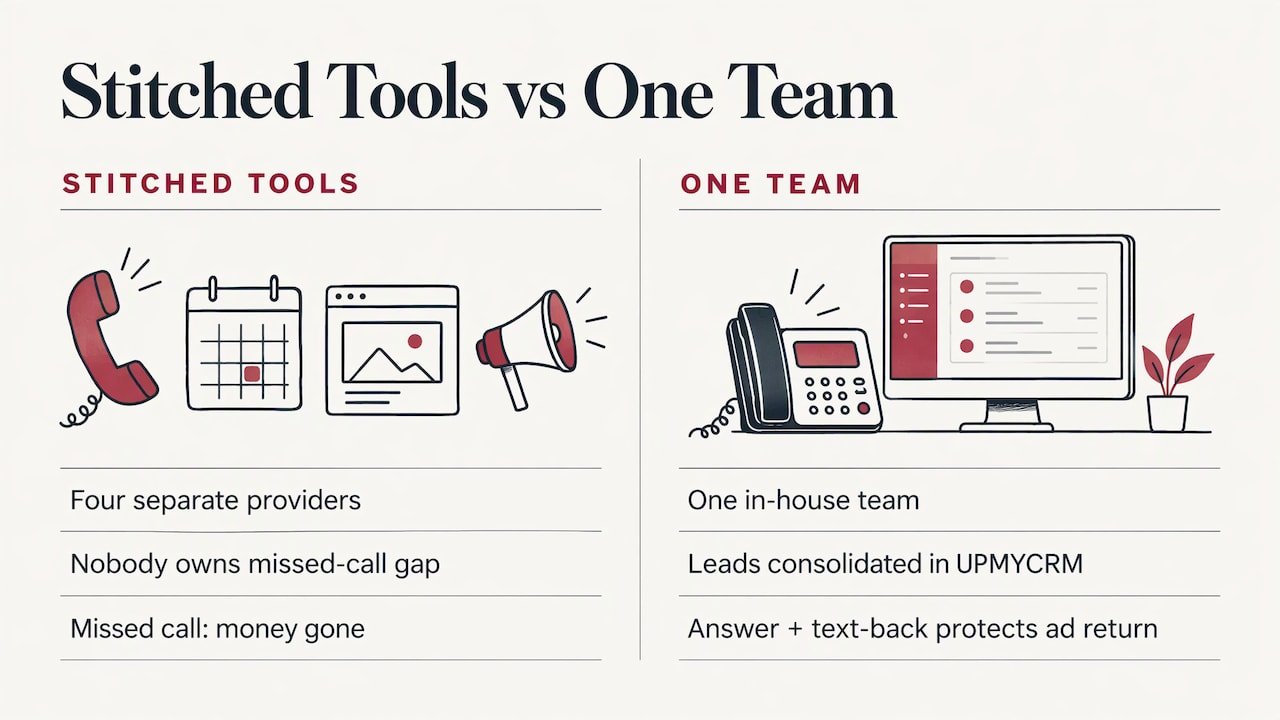
We built our service around removing those handoffs. All our work is delivered by one in-house team, and every client receives UPMYCRM, which consolidates leads and communications. A receptionist that feeds into the same place as your ad leads and website enquiries means one list of people to call back, not four.
That matters most when you pay for traffic. If you run Google Ads from $399 a month, each click that becomes a missed call is money gone. Answering every call, and texting back the ones you cannot take, protects the return on the ad budget.
Our view: answer first, then optimize
We build websites, run Google and Meta ads and manage SEO for small businesses around Burlington, Oakville, Hamilton and the wider GTA. In that work the pattern is simple: marketing creates the ring, and the business has to answer it.
That is why we put the AI receptionist and missed-call text-back next to our other services instead of treating it as a separate gadget. Our focus is immediate results, calls and inquiries, not long-term promises. A call that is answered, captured and followed up counts. One that goes to voicemail does not.
We deliver everything with one in-house team, so the phone line, the website, the Google Business Profile and the ads are set up to work together, and leads land in UPMYCRM. For trades, clinics and local service businesses with busy hands and busy phones, we think that is the most practical way to stop losing work.
the author
Get a receptionist that works with your marketing
Our AI Receptionist + Missed-Call Text-Back answers your calls and texts back callers you could not reach, so enquiries start a conversation instead of vanishing. It sits alongside the rest of our services, from website design and local SEO to Google and Meta ads, all delivered by one in-house team, with leads gathered in UPMYCRM.
If you want to see how it would work for your phone line, start on the AI receptionist page, or reach us through upmysite.ca.
How to choose in five steps
- Measure. Count genuine missed calls in the last 30 days and put a dollar figure on them.
- Match the type to your calls. Routine, repeatable calls suit an AI receptionist with text-back. Sensitive conversations get an escalation rule that sends them to you.
- List your must-haves. Booking, lead capture, after-hours coverage, text-back. Ignore the rest.
- Compare terms on the same basis. Fees, carrier charges, contract length and integrations.
- Prepare your information. FAQs, hours, service area, booking rules and escalation contacts. Better inputs give better answers from day one.
Then review after a month: how many calls were answered, how many became bookings and what callers asked that you had not planned for. Update the instructions and repeat.
FAQ
What is the difference between a virtual receptionist and an answering service?
An answering service mainly takes messages. A virtual receptionist goes further: it can answer questions, book appointments, screen leads and route urgent calls. For a small business that wants the call turned into a booking, not just a note, the receptionist model is the better fit.
Is a virtual receptionist worth it for a small business?
It is worth it when missed calls cost you more than the monthly fee. Count your genuine missed calls over 30 days and multiply by your average job value. If the number is meaningful, answering every call and texting back the ones you miss pays for itself quickly.
Can a virtual receptionist work with my existing phone number?
Yes, in most setups you forward your current business number, or forward only when you do not answer or after hours. You choose the routing: overflow, after-hours or full coverage. Tell us your phone system and we can say how it would connect.
Do I need to tell callers they are talking to an AI?
Yes, it is good practice and fits PIPEDA’s openness principle. Mention in the greeting that the call is handled by an automated assistant and why you collect information. If recordings are not necessary, let callers continue without one or send an email instead.
What information do I need to get started?
Your hours, services, service area, common caller questions with answers, booking rules and who should get urgent calls. Better information makes the receptionist more accurate from the first day.
Sources
- Virtual Receptionist Services in Canada: what small businesses need to know
- Virtual Receptionist Canada: 2026 CAD prices, human vs AI
- PIPEDA fair information principles, Office of the Privacy Commissioner of Canada
- Privacy breach in Canada: notification rules (PIPEDA)