
Introduction
Picture a café owner in Burlington staring at three open tabs late at night. One shows WordPress, another Wix, the third Squarespace, and a dozen articles on WordPress vs Wix vs Squarespace are already bookmarked. The plan was to launch a simple site in a weekend, yet weeks later nothing is live and the decision still feels risky.
That feeling is common for Canadian business owners. Having a website is now a basic requirement, but picking the wrong platform can drain time, limit growth, and force a rebuild right when things start to pick up. The question is not only which platform looks nicer or has more features. The real question is which one fits a specific set of goals, skills, and plans for the next few years.
“Your website should be your best salesperson, not just a box you tick on a marketing checklist.” — Common advice from modern marketing professionals
This guide looks at WordPress vs Wix vs Squarespace through lenses that matter for business results rather than tech jargon. Ease of use, creative control, and SEO power shape how quickly a site goes live and how well it can grow. Cost and long‑term flexibility also play a big part, especially once advertising and SEO enter the picture.
For businesses in Burlington and across Southern Ontario, a website is no longer a simple brochure that just lists services. It is a growth engine that needs to attract visitors, show clear value, and turn clicks into calls or sales. By the end of this article, the goal is simple. With UPMYSITE’s perspective mixed in, there should be a clear sense of which platform aligns with current needs, future plans, and the kind of marketing needed to grow online.
Key Takeaways
Wix gives one of the fastest and most intuitive drag‑and‑drop experiences. It suits people who like to move things around visually and want lots of control without touching code. For simple sites and quick launches, it can feel very comfortable.
Squarespace focuses on design structure and a polished finish every time. Its templates guide layout choices so pages stay clean and professional, even without design training. When strong visuals matter more than deep custom features, it is a solid option.
WordPress stands out for long‑term flexibility, deep SEO control, and advanced custom features. It fits businesses willing to learn a bit more or work with a partner so the site can grow with them. For serious growth plans, it is usually the platform with the most headroom.
Understanding Your Website Goals Before Choosing A Platform
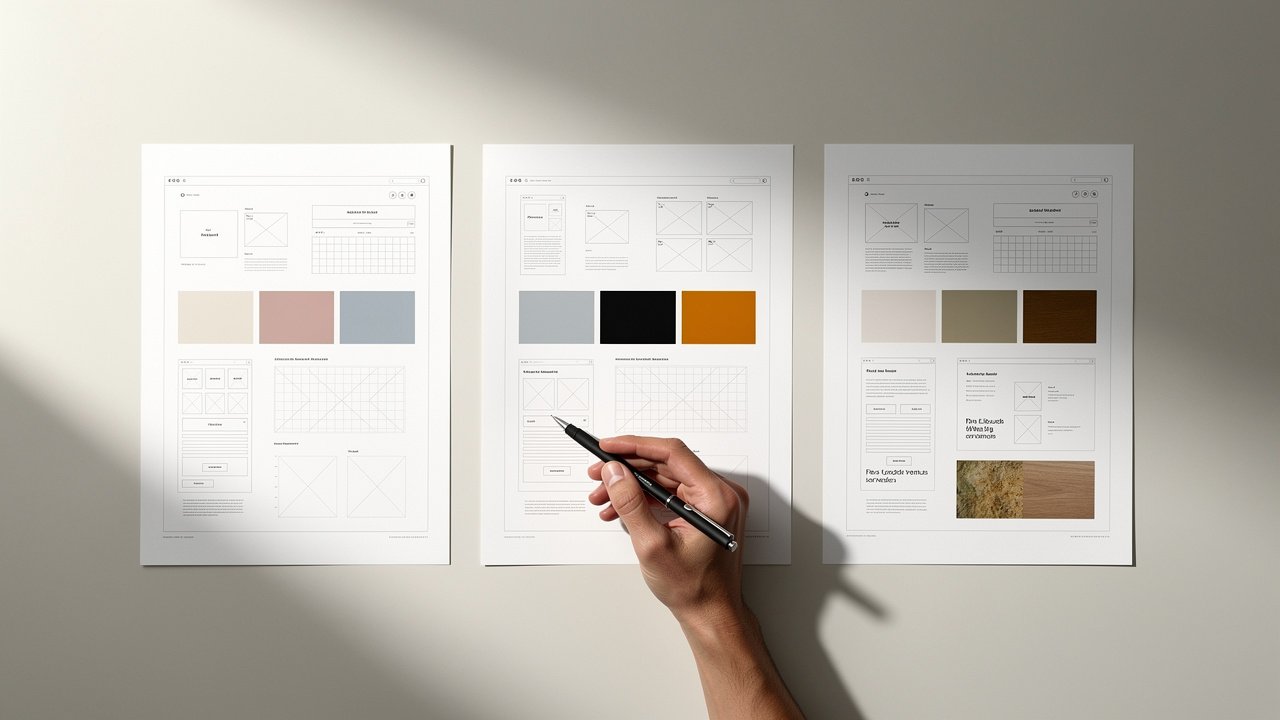
Before comparing WordPress vs Wix vs Squarespace feature by feature, it helps to zoom out and ask what the site needs to do in real life. Different platforms shine with different goals, so guessing based on ads or popularity often leads to frustration later. A clear picture of the job the website must do makes every other decision easier.
Common examples include:
A fast online presence for a new company, with a few core pages and a contact form.
A strong visual portfolio for photography, design, architecture, or other creative work.
Service‑based businesses across Southern Ontario that care most about local search and lead generation.
E‑commerce setups that need advanced shipping rules, discount logic, and detailed reporting.
Each scenario pushes the decision in a slightly different direction.
Technical comfort and available time are just as important as budget. Someone who enjoys testing new tools may handle WordPress without stress, while another person might prefer Wix or Squarespace so they can make edits in a few minutes between appointments. Neither approach is wrong. It simply has to match how the business actually runs.
It also helps to look ahead two or three years. Outgrowing a platform can mean complex migrations, design changes, and possible dips in SEO performance while search engines re‑index the new structure. Treating platform choice as a strategic business call, not just a tech choice, usually saves money, time, and headaches down the road.
Ease Of Use And Which Platform Gets You Online Fastest

When people compare WordPress vs Wix vs Squarespace, ease of use is often the first topic. For a busy owner in Burlington, Oakville, or Hamilton, every hour spent fighting with a builder is an hour not spent serving clients. How these tools feel in daily use matters as much as their feature lists.
Wix is often the easiest to grasp on day one. Its editor feels like working on a slide deck or poster, where any text box, image, or button can be dragged almost anywhere on the page. This freedom can be very satisfying for those with a strong visual sense, since layouts can match a mental picture quite closely. The flip side is that without some design instincts, it is possible to end up with pages that feel a bit messy or uneven.
Squarespace takes a more guided path. It uses sections and grids to keep content lined up and balanced, almost like dropping content into a high‑end magazine layout. There is still room to change fonts, colours, and layouts, but the structure keeps everything looking polished. For many service businesses, this balance between control and guidance is more than enough to produce a site that feels professional on phones and desktops with minimal tweaking.
WordPress started as a more technical tool, yet modern WordPress feels very different from its early days. The block editor and page builders such as Elementor bring a similar drag‑and‑drop style to the platform. There is still a learning curve around themes and plugins, and early setup takes more thought than on Wix or Squarespace. In return, that extra effort lays the groundwork for a site that can grow far beyond the first launch without needing a platform change.
For a quick overview of ease of use:
Wix: Fastest learning curve; great for DIY owners who want visual control.
Squarespace: Guided, design‑first experience; ideal for clean, consistent layouts.
WordPress: Takes more setup time; best fit when growth and advanced features are on the horizon.
Customization And Creative Control For Building Your Brand
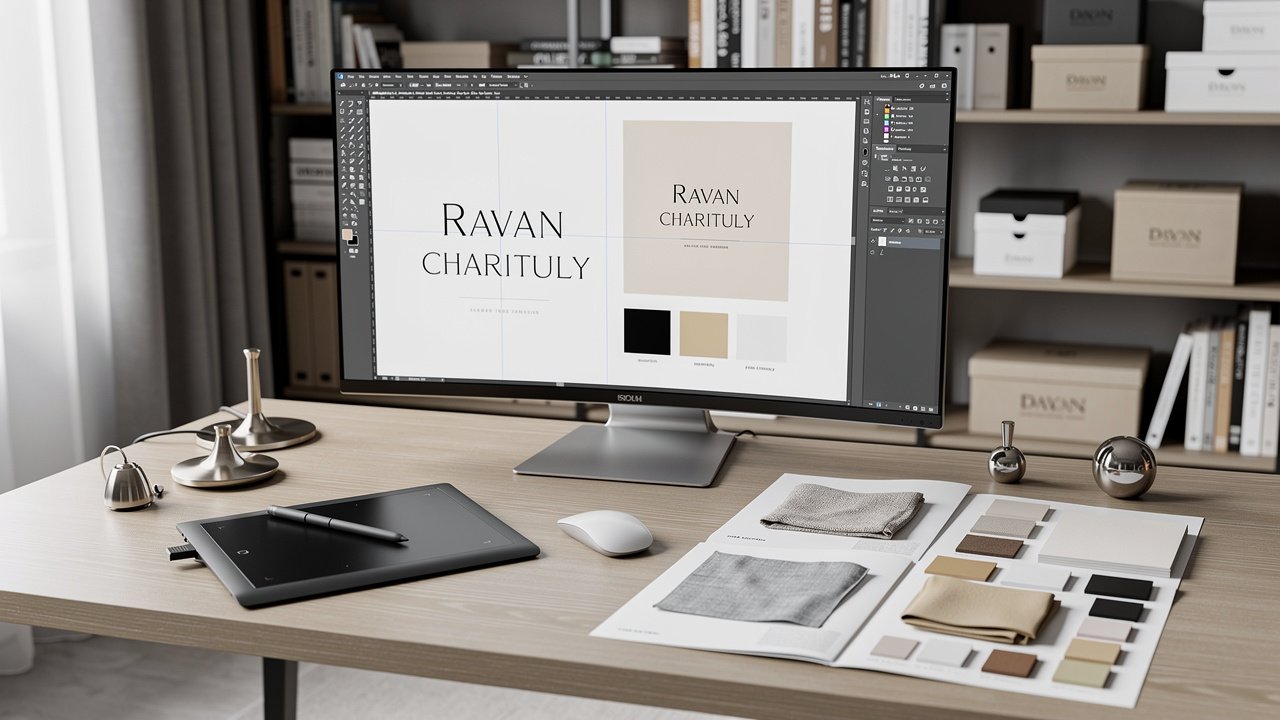
A site should feel like a clear expression of a brand, not like a slightly altered template seen on ten other pages. When comparing WordPress vs Wix vs Squarespace, the amount of control over design and features is a major deciding factor.
Squarespace leans into a curated design experience. Its templates are clean, modern, and mobile‑friendly right away. Owners can adjust colours, typography, and section layouts, but the guardrails stay in place so pages keep a consistent and professional style. For restaurants, artists, or boutique shops that care deeply about visuals yet do not want to dive into code, this can be a comfortable middle ground.
Wix offers more freedom. Its editor feels closer to a blank canvas where almost any element can sit anywhere. The Wix App Market adds extra features such as bookings, menus, and events without touching code, and Wix Studio gives skilled designers access to more advanced controls. This extra freedom is attractive for people who want to push design a bit further while staying inside a managed platform.
WordPress is where customization goes much deeper. With thousands of themes and tens of thousands of plugins, it can support almost any mix of features. From complex membership areas to custom quote forms or advanced e‑commerce, WordPress can usually handle it with the right setup. Because it is open‑source, developers can adjust the underlying code as well, so there is very little that is truly off‑limits.
This is exactly where UPMYSITE focuses its work. We do not rely on ready‑made templates, because they often lead to the same look and the same limits for different businesses. Instead, we design high‑quality WordPress sites crafted around a client’s goals and market. In competitive areas such as Burlington and the GTA, that level of distinction can make the difference between blending in and standing out.
SEO Capabilities For Getting Found By Your Ideal Customers
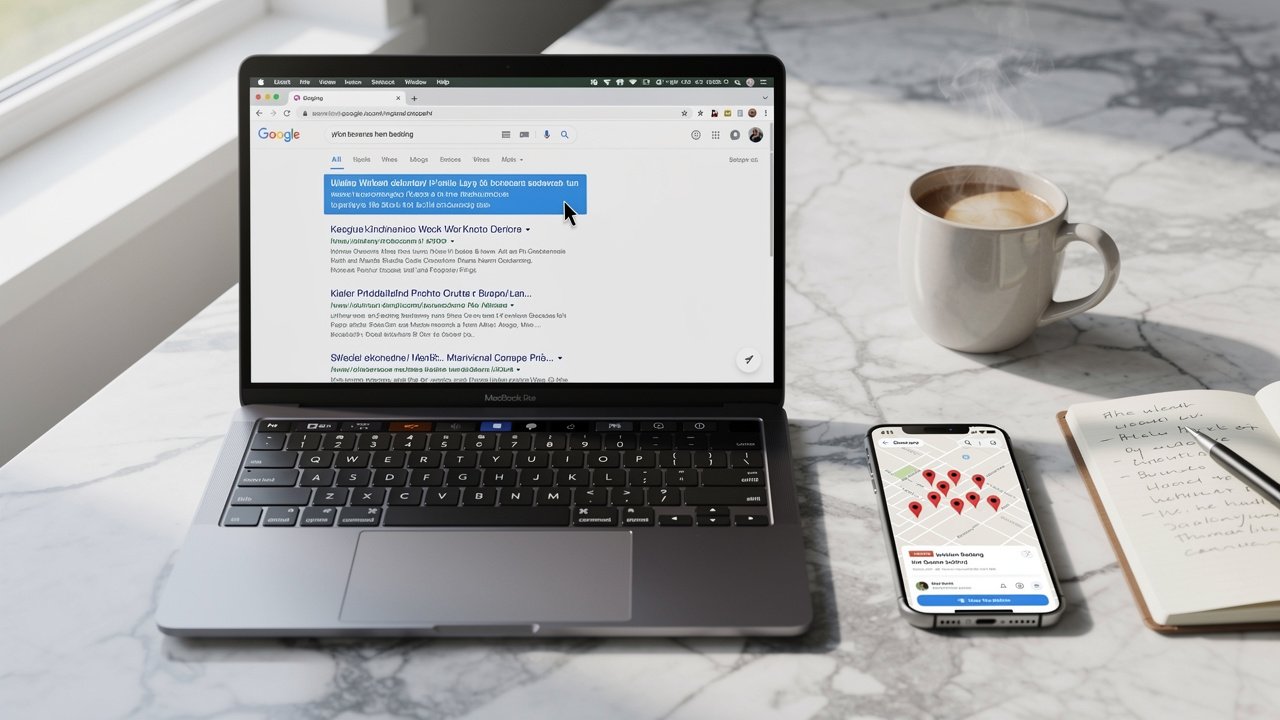
A good‑looking site does not help much if nobody finds it. For Canadian businesses competing in local markets, SEO is often the main driver of steady, high‑intent traffic. The WordPress vs Wix vs Squarespace comparison changes quite a bit once search visibility enters the picture.
Both Wix and Squarespace now include the basics needed for a solid start. It is easy to:
Set custom page titles and meta descriptions.
Add alt text to images.
Generate an automatic XML sitemap.
For a simple five‑page site or a new company just starting to show up in Google, these features can be enough to get early traction, especially when combined with a Google Business Profile and some local citations.
WordPress, however, is designed to go much further with SEO. Plugins such as Yoast SEO and Rank Math give detailed control over how each page appears to search engines. They help with keyword targeting, content structure, internal links, and more advanced features such as schema markup that supports rich results like FAQ dropdowns or star ratings. On top of that, WordPress makes it easier to adjust technical settings, manage redirects, and fine‑tune how crawlers move through a complex site.
“SEO is not about gaming the system; it is about helping searchers find the best answer as quickly as possible.” — Common SEO principle
For many industries in Southern Ontario where several competitors are fighting for the same page‑one spots, that extra control can be the edge that matters. At UPMYSITE we combine this WordPress flexibility with customised SEO work that includes keyword research, content optimization, link building, and technical clean‑up. We also remind clients that SEO is a long‑term play. It often takes three to six months to see strong gains, which makes the choice of platform and structure at the start even more important.
Cost Comparison And Understanding Your True Investment

Price tags on home pages can be misleading. A fair WordPress vs Wix vs Squarespace comparison has to look at the full yearly cost, not just the starting number in a banner. That cost includes hosting, security, domains, premium tools, and often expert help.
Wix and Squarespace use clear subscription plans. Monthly or yearly fees usually cover hosting, security, basic support, templates, and core features in one bill. Many plans also include a free domain for the first year. This kind of bundle is simple to budget for, and upgrades to add e‑commerce or extra features follow the same pattern. Extra apps can raise the total, but the structure stays predictable.
WordPress works more like an à la carte menu. The software itself is free, yet a real site needs paid hosting, a domain name, and often a premium theme and some paid plugins. The advantage is choice. A business can pick a hosting provider that fits its performance needs and budget, and only pay for extra tools that truly add value. The trade‑off is that managing these pieces takes more attention.
Here is a rough first‑year cost snapshot for a typical Canadian small business site:
Cost Item | WordPress Self‑Hosted | Wix Business Plan | Squarespace Business Plan |
|---|---|---|---|
Software or Plan | Free core software | Around $300 CAD per year | Around $325 CAD per year |
Hosting | About $180–$360 per year | Included | Included |
Domain Name | About $20 per year | Free first year | Free first year |
Premium Theme or Design Add‑ons | About $80 one time | Included | Included |
Premium Plugins or Apps | About $100–$300 per year | Some extras may cost more | Some extras may cost more |
Estimated Annual Total | About $380–$760+ | About $300+ | About $325+ |
When you compare costs, ask:
How many years will this site likely run before a redesign?
Will I need paid add‑ons for bookings, memberships, or advanced e‑commerce?
If I outgrow my platform, what will migration and redesign cost?
The cheapest option on paper is not always the best value. WordPress may cost more up front, yet it brings more control, ownership, and space to grow. Wix and Squarespace lower the barrier to entry but can feel limiting once advanced marketing or custom features are needed. UPMYSITE works mainly with WordPress and offers month‑on‑month services without long contracts, which lets businesses tap into professional support while keeping financial flexibility. Migration costs are also worth noting, since moving away from a closed platform later can require a near‑complete rebuild.
UPMYSITE Perspective On Platform Choice And Strategic Growth
From the UPMYSITE point of view, the platform is just one part of a bigger picture. A site that looks nice but does not show up in search or turn visitors into enquiries is only doing half the job. This is why we talk about online presence and marketing as a single connected system rather than a stand‑alone web build.
We specialise in custom WordPress design because it lets us build high‑quality sites designed around each client’s market, message, and growth targets. We do not use off‑the‑shelf templates that anyone can download. Instead, every layout, content flow, and feature is planned to support clear actions such as calls, bookings, or sales.
Our work rarely stops at launch. We combine design with SEO, Google Ads management, and ongoing optimization to keep improving performance. Every month, clients receive detailed reports built from Google Analytics 4 (GA4) and SEMrush, so they can see changes in traffic, rankings, enquiries, and revenue. Most clients stay with us not because of contracts, but because they see steady progress and clear numbers.
“People do not buy what you do; they buy why you do it.” — Simon Sinek
Clear positioning and message on the website, supported by accurate data, helps that “why” come through for the right visitors.
For Canadian businesses that have outgrown Wix or Squarespace, or for those who want to skip the trial‑and‑error stage of DIY tools, this kind of partnership can save a lot of time. It turns the platform choice into the starting point for a clear, measured growth plan.
Key Takeaways
Wix works best when speed and simplicity are the top priorities. Its drag‑and‑drop builder feels natural for visual thinkers and non‑technical owners. For smaller sites or early‑stage businesses, that ease of use can be very appealing.
Squarespace shines when visual polish and a clean layout matter most. Its grid system and templates keep pages looking consistent and well designed. This makes it a strong match for creative fields and image‑driven brands.
WordPress stands out for businesses aiming for long‑term growth and strong SEO. Its plugin library and custom options give far more control over features and performance. It pairs very well with professional design and marketing support.
Platform choice should match clear business goals, comfort with technology, and plans for the next few years. Migration away from Wix or Squarespace can be hard, while WordPress sites move more easily between hosts. Professional design and a solid marketing plan often matter more than the brand name on the builder itself.
Conclusion
There is no single winner in the WordPress vs Wix vs Squarespace debate. The right choice depends on where a business is now, how fast it needs to move, and how far it plans to go. Wix offers quick creative control, Squarespace delivers reliably beautiful design, and WordPress opens the door to almost unlimited growth and SEO power.
No matter which platform is selected, success does not come from the tool alone. It comes from clear messaging, strong content, and ongoing optimization across SEO, analytics, and paid campaigns where they make sense. The platform is the foundation, but the structure built on top of it is what brings in leads and sales.
When weighing options, it helps to think three to five years ahead rather than just the next few weeks. Will the chosen platform support more content, new services, or a shift to online sales without a rebuild? For many Canadian businesses, especially around Burlington and Southern Ontario, WordPress paired with expert support becomes the most flexible path.
If the plan is to grow seriously online and move beyond template‑based builders, UPMYSITE can help turn that plan into a clear, measured process. The next step is simple. Map out goals, be honest about time and skills, then choose the platform – or partner – that can turn that website into a steady source of traffic, enquiries, and revenue.
FAQs
Can I Switch Platforms Later If My Business Outgrows My Initial Choice?
Switching platforms is possible, but it is rarely as simple as pressing a button. Moving from Wix or Squarespace to WordPress usually means rebuilding the design and layout, then carefully redirecting old URLs to protect search rankings. Some content can be imported, yet full page structures and styling often need manual work. WordPress‑to‑WordPress moves are much smoother, since files and databases can be migrated between hosts. Choosing a platform that can grow with the business from the start saves a lot of time and money.
Which Platform Is Best For Local SEO In Canadian Markets Like Burlington Or Toronto?
All three platforms can cover the basics of local SEO, such as service pages, contact details, and links to a Google Business Profile. For less competitive niches, that might be enough to appear for simple local searches. In tighter markets, WordPress usually has the edge because SEO plugins allow more detailed control over on‑page elements, schema, and technical settings. The platform alone is not the whole story, though. A strong local SEO plan also needs:
Consistent citations on key directories.
A steady flow of fresh reviews.
City‑focused content that matches how people actually search.
Ongoing adjustments based on rankings and analytics.
UPMYSITE uses WordPress together with customised local SEO work for many Southern Ontario clients.
Do I Need Technical Skills To Manage A WordPress Website?
Modern WordPress is far more friendly than many people expect. With a good setup and a visual page builder, basic changes such as editing text, swapping images, or adding blog posts feel similar to using Wix or Squarespace. There is still a learning curve, especially around updates, backups, and troubleshooting. More complex changes or new custom features usually call for professional help.
Many Canadian businesses choose to have an agency like UPMYSITE handle the technical work and strategy, while they focus on content and offers. That mix keeps control in their hands without day‑to‑day technical stress.
How Much Should A Canadian Small Business Budget For A Professional Website?
Budgets vary widely, yet some ranges are common. A do‑it‑yourself site on Wix or Squarespace often lands around $300 to $500 CAD per year, including the plan and domain. A self‑hosted WordPress site with decent hosting, a premium theme, and a few paid plugins often falls between $500 and $1,000+ CAD yearly.
Custom design and development done by professionals can start near $3,000 CAD and rise to $10,000+ CAD depending on scope. That higher spend usually brings better user experience, stronger SEO setup, and higher conversion rates. UPMYSITE’s month‑on‑month model lets businesses access this level of work without long contracts, treating the website as a marketing investment rather than a simple expense.