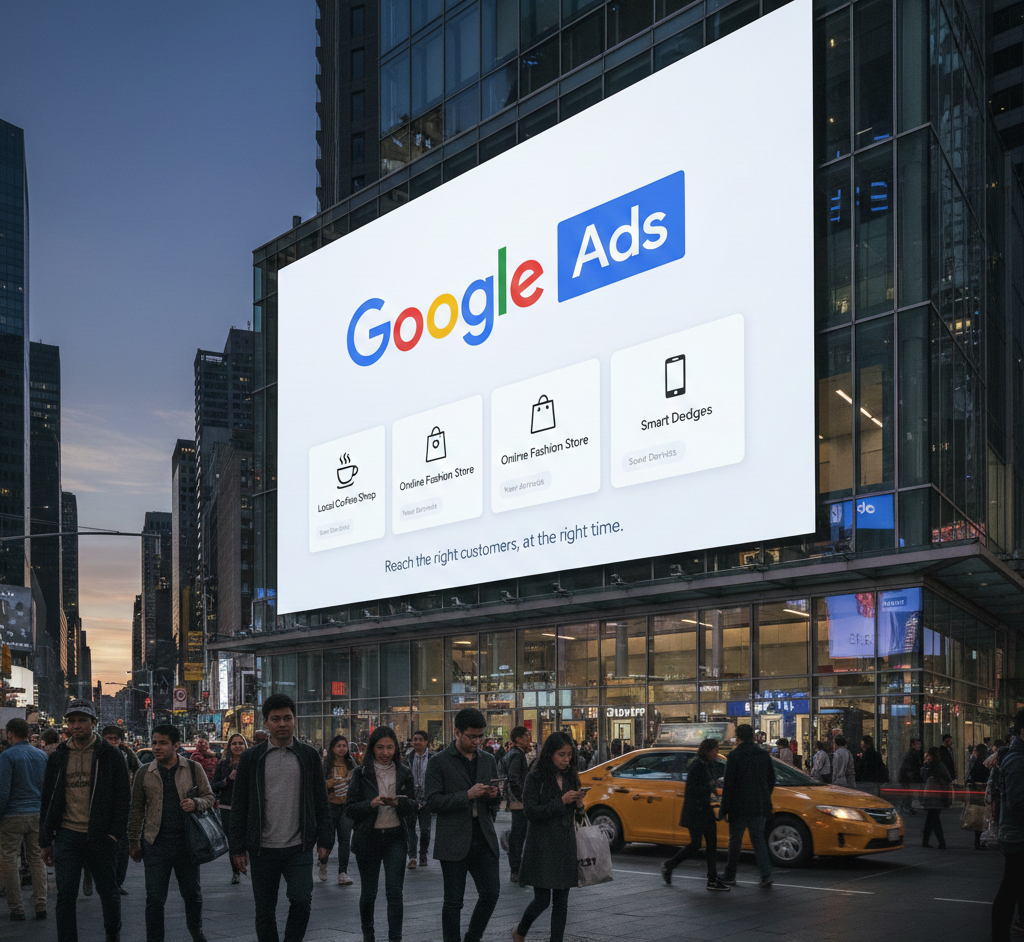
With thousands of customers searching online every day, Google Ads in Oakville has become one of the most powerful ways for local businesses to capture high-intent leads. Whether you run a dental clinic, restaurant, home service business, or eCommerce store, a well-optimized Google Ads campaign can help you reach the right audience at the right time — and convert them fast.
This guide will help you understand how to create high-converting Google Ads campaigns specifically for Oakville, using proven strategies and local SEO insights.
Why Google Ads Matter for Oakville Businesses
Oakville is a competitive and fast-growing market. Customers often search for local services using terms such as:
- “near me”
- “best … in Oakville”
- “Oakville services”
- “local business Oakville”
Using Google Ads for Oakville businesses ensures your company appears at the top of these searches instantly. This gives you a major advantage over businesses relying solely on organic traffic.
How to Run High-Converting Google Ads Campaigns in Oakville
1. Start With Laser-Focused Keyword Research
Your campaign’s success starts with understanding how Oakville customers search.
Use a mix of local intent keywords, including:
- Google Ads Oakville
- Oakville PPC services
- Local online advertising Oakville
- Oakville digital marketing
- Pay-per-click Oakville
- Oakville small business advertising
This ensures your ads show only to people looking for local services — not broad Canada-wide traffic that wastes your budget.
2. Use Location Targeting for Oakville
Set your campaigns to target:
- Oakville
- Specific neighbourhoods like Kerr Village, Glen Abbey, Bronte Village
- Surrounding areas if your service area is wider
This helps you reach customers who are more likely to convert and reduces irrelevant clicks.
3. Write Hyper-Local Ad Copy
Your ad copy should tell Oakville customers that your business is right here in their community.
- “Trusted Oakville Experts Near You”
- “Serving Oakville Families for 10+ Years”
- “Fast Local Service in Oakville”
Adding location terms improves your click-through rate and builds trust immediately.
4. Create Conversion-Optimized Landing Pages
Sending Oakville traffic to your homepage is a common mistake.
Instead, build a local landing page with:
- Clear headline mentioning “Oakville”
- Strong CTA (Book Now, Call Today, Get a Free Quote)
- Customer reviews from Oakville
- Service area map
- Fast-loading mobile design
A high-converting landing page is essential for lowering cost per conversion.
5. Use Local Extensions to Boost Visibility
Google offers powerful extensions for local businesses, including:
- Location extension (shows your Oakville address)
- Call extension (direct phone calls)
- Site link extensions (services, pricing, booking)
- Review extensions
These increase your ad size, trust, and clicks.
6. Track Every Conversion
High-performing Oakville Google Ads campaigns use advanced tracking:
- Call tracking
- Form submissions
- Chat conversions
- Click-to-call on mobile
- Appointment bookings
Without tracking, you can’t optimize your ROI.
7. Continually Optimize for Better Performance
Google Ads is not a “set and forget” tool.
Monitor and adjust:
- Negative keywords
- Bid strategy
- Ad assets
- Best-performing search terms
- Landing page performance
Consistent optimization ensures you stay ahead of local competition.
5 Frequently Asked Questions (FAQs)
1. Are Google Ads effective for local Oakville businesses?
Yes. Google Ads is one of the fastest ways to get local leads from people actively searching for your services.
2. How much should I spend on Google Ads in Oakville?
Budgets vary by industry, but even smaller daily budgets can drive strong results with proper targeting and optimization.
3. Do Google Ads work for small businesses?
Absolutely. Google Ads levels the playing field and helps small businesses compete with larger brands.
4. What keywords should Oakville businesses target?
Local keywords such as “Oakville + service name,” “near me,” and high-intent buyer keywords work best.
5. Can Google Ads help increase walk-in customers?
Yes. Location extensions and call ads make it easier for people to find and contact your Oakville business.
Conclusion
Running a high-converting Google Ads Oakville requires strategic planning, local keyword targeting, optimized landing pages, and ongoing performance analysis. When done correctly, Google Ads can deliver fast, consistent, and highly qualified leads directly to your business.
Whether you’re a small business owner or a growing brand, investing in Oakville Google Ads is one of the smartest steps you can take to grow your visibility and customer base.